
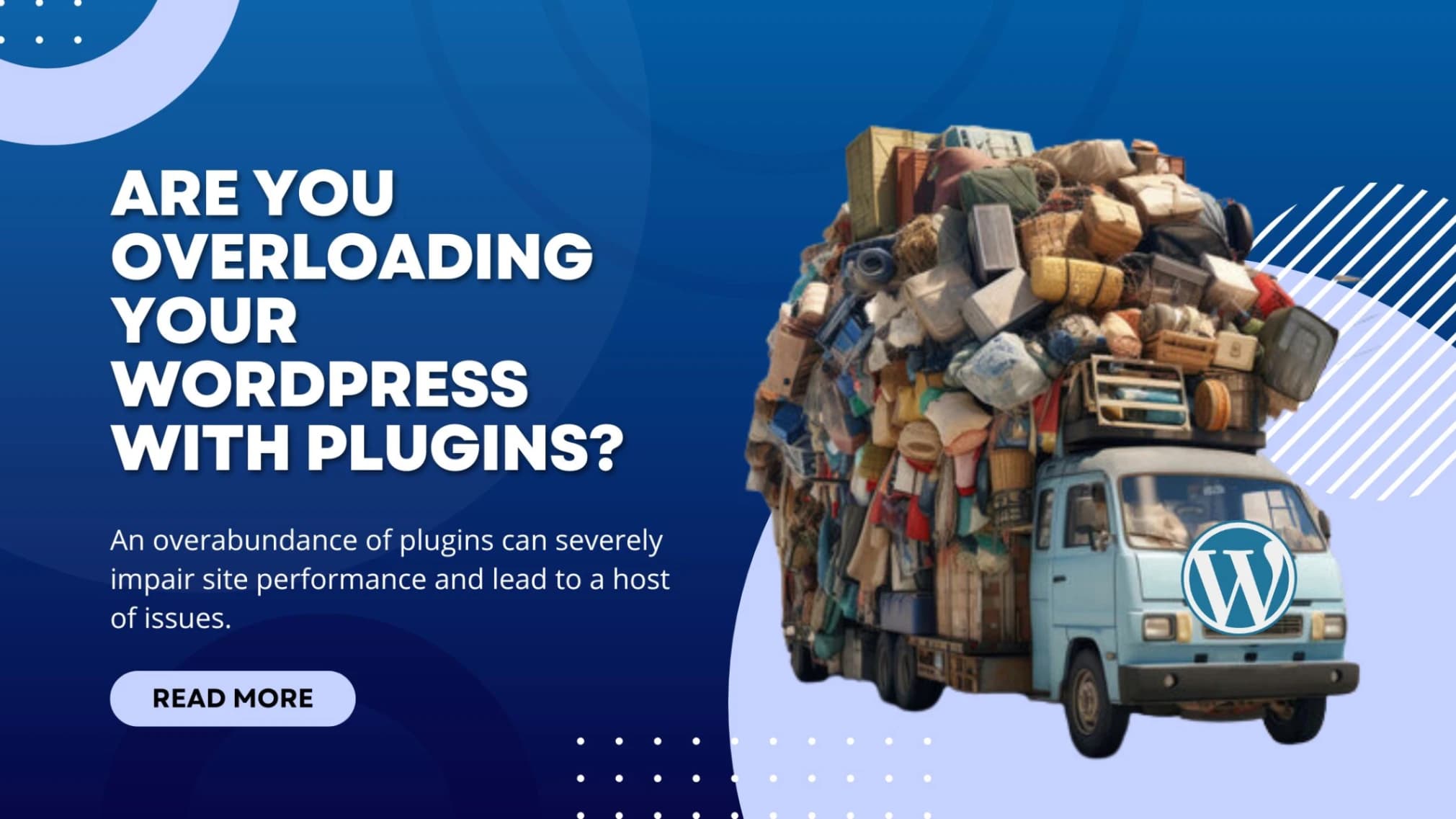
The "how many plugins is too many" question
Founders ask me this every month: "How many WordPress plugins is too many?"
The honest answer: it's not the number, it's the quality. I've seen 8-plugin sites crawl. I've seen 45-plugin sites fly. But if you're asking the question, you're probably running too many.
Here's what 18 years of cleaning up WordPress sites has taught me about plugin overload, the warning signs, and the audit framework we use with clients.
The data on plugin count
The community has surveyed this question repeatedly. Latest numbers from the WP Engine 2024 user survey and Kinsta's customer data:
| Plugin count | Share of WordPress sites |
|---|---|
| 1-10 | 22% |
| 11-20 | 38% |
| 21-30 | 25% |
| 31-50 | 11% |
| 50+ | 4% |
Most sites cluster around 20 plugins. Once you cross 35, two things happen: performance starts visibly degrading on shared hosts, and the probability of hitting a vulnerable plugin in a 12-month window goes above 80%.
Plugin count alone doesn't kill performance. Plugin choice does. But the two correlate, because nobody picks 50 plugins carefully.
What plugins actually cost your site
Each active plugin can add:
- Database queries on every page load
- CSS and JavaScript files loaded site-wide (often even on pages that don't need them)
- Background tasks running on cron (analytics, SEO scans, sync operations)
- Memory overhead from autoloaded options stored in
wp_options - Code execution time as PHP processes the plugin's hooks
The well-built plugins handle this efficiently. The badly built ones load 200KB of CSS on every page just to display a contact form somewhere.
How plugin count maps to performance
Based on monitoring data from 100+ client sites on shared and managed WordPress hosting:
| Plugin count | Typical impact | What we recommend |
|---|---|---|
| 1-10 | Minimal. Fast loads even on shared hosting. | Keep it lean. |
| 11-20 | Slight slowdown on shared hosts. Easy to manage. | Audit annually for redundancy. |
| 21-30 | Noticeable on shared hosts. Manageable on managed WP hosting. | Quarterly audits, monitor with Query Monitor. |
| 31-50 | Significant. Shared hosting starts straining. | Move to managed WP hosting. Aggressive audit. |
| 50+ | Severe. Random errors, slow admin, failed updates. | Stop adding. Consolidate or rebuild. |
Numbers shift based on hosting tier and plugin quality. A site with 25 well-coded plugins on Kinsta will outperform a site with 12 bloated plugins on shared hosting.
The real warning signs of plugin overload
Plugin count is a rough proxy. These are the actual symptoms we look for during audits:
Slow admin dashboard. If /wp-admin takes more than 3 seconds to load, you have an autoloaded options problem. Often a plugin storing huge data blobs in wp_options.
TTFB above 800ms. Time to first byte is the cleanest measure of server-side bloat. Anything above 800ms on a managed host points to plugin overhead.
Memory limit errors. PHP fatals or 502 errors when activating a new plugin mean you're already at the ceiling.
Failed cron jobs. If WP-Cron is missing scheduled events or running them late, you have too many plugins competing for the same cron slot.
Admin AJAX flooding. Repeated calls to admin-ajax.php in your network tab usually trace back to an analytics or chat plugin polling the server every few seconds.
Plugin update failures. When updates start hanging or partially completing, plugin conflicts are likely.
If you're seeing two or more of these, audit time.
How we audit a bloated WordPress site
The framework we run on every client cleanup. Takes about an hour for a 30-plugin site.
Step 1: List everything and tag it
Export the active plugins list. Tag each one as:
- Essential (site fails without it)
- Useful (site works but you'd lose meaningful function)
- Marginal (provides minor convenience or one-off feature)
- Forgotten (you can't remember why it's installed)
The Forgotten and Marginal categories are the cleanup targets.
Step 2: Find the resource hogs
Install Query Monitor (free) and run it on the homepage and a few key pages. Sort by query time and memory.
The biggest offenders usually fall into:
- Page builders (Elementor, Divi) when used for simple content
- Statistics and analytics plugins when GA4 alone would suffice
- Multiple SEO plugins running in parallel
- Old form plugins still loading scripts site-wide
Step 3: Find the redundancies
Two security plugins. Two SEO plugins. Two backup plugins. We see all three patterns regularly. Pick one in each category.
Step 4: Test and remove
Deactivate, don't delete, the first batch. Run the site for a week. If nothing breaks, delete. If something breaks, you know what that plugin actually did.
Step 5: Replace with consolidated alternatives
A few plugins that genuinely replace many:
- Fluent Forms replaces Contact Form 7 + 5 add-ons
- Rank Math or Yoast replaces a typical SEO stack
- WP Rocket replaces caching + minification + lazy load + heartbeat control
- Solid Backups replaces backup + remote storage + scheduling
For more ideas on cutting plugin bloat, see 5 lesser-known ways to keep your WordPress site lean.
The plugins that almost always belong
Across 200+ sites we've built, these show up consistently because they earn their slot:
- A real SEO plugin (Rank Math or Yoast). Schema, sitemaps, meta tags.
- A caching plugin (WP Rocket, FlyingPress, or LiteSpeed Cache if your host supports it).
- A security plugin (Wordfence, Sucuri, or Solid Security). See our 5 security plugin picks.
- A backup plugin (UpdraftPlus or Solid Backups).
- A form plugin (Fluent Forms or WPForms).
That's five. Most sites need maybe ten more on top of that, depending on use case (e-commerce adds a few, page builder adds one or two, analytics tools add a couple).
Where this advice falls short
Some sites genuinely need 30+ plugins. Membership sites, multi-vendor marketplaces, learning management systems, and complex e-commerce stores all add legitimate plugin needs.
If you're running a LearnDash + WooCommerce + Memberpress site with multilingual support and custom commission tracking, you're easily at 35-40 plugins, and it's appropriate.
The rule: every plugin should justify its slot. If you can't articulate what it does and why you need it, it's a candidate for removal.
Quick action plan
- Run a Query Monitor scan on three key pages and identify your top 5 resource consumers
- Categorise every plugin as essential, useful, marginal, or forgotten
- Deactivate marginal and forgotten plugins for one week, then delete
- Consolidate redundant plugins down to one per function
- Schedule a quarterly audit so bloat doesn't accumulate again
If you want help with this, our WordPress maintenance team does plugin audits and ongoing optimization for sites in India, the US and UK.
FAQ
Is 20 plugins too many for WordPress? Not by itself. 20 well-coded plugins on managed hosting will run beautifully. 20 badly coded plugins on shared hosting will crawl. Plugin quality matters more than count.
Do plugins really slow down WordPress that much? A poorly built plugin can add 200-500ms to every page load. A well-built one adds barely measurable overhead. The difference between 10 good plugins and 10 bad plugins on the same site can be a 2-second TTFB gap.
What's the safest way to remove a plugin? Deactivate first, run the site for a week, then delete if nothing breaks. Always have a backup before deleting. Some plugins leave database tables behind, which is fine to clean up later but doesn't usually cause issues.
Should I use a page builder like Elementor? For simple content sites, page builders are usually overkill and ship a lot of CSS and JavaScript you don't need. For complex landing pages or sites where non-developers need to build pages, they earn their slot. Pick GenerateBlocks or Kadence Blocks if you want a lighter alternative.
How often should I audit my plugins? Quarterly for active sites. After every major content rebuild. Any time the site feels slow. The audit takes an hour. The cleanup takes maybe two more. The performance and security wins are usually worth a full day's work.
Want help cutting plugin bloat?
We do WordPress audits, plugin consolidation, and performance tuning for clients across India, the US and UK. Send us a quick note about what you're running and we'll tell you honestly where the wins are. Or see our WordPress development service for ongoing maintenance plans.
About the author
Dharmendra Asimi is the founder of Aapta Solutions, established in 2007 and now serving SMBs and growing brands across India, the United States, and the United Kingdom. Over the past twenty years he has shipped WordPress builds, e-commerce stores, managed cloud hosting, and SEO programmes for hundreds of businesses (from single-product Shopify stores to multi-region WordPress estates handling Black Friday peaks).
He is the creator of Aapta GEO (a free 30-second AI-readiness scan) and Aapta SEO AI (a monthly tracker for how ChatGPT, Claude, Perplexity, and Gemini cite your content). His writing on web engineering and AI-search visibility is read by founders, marketing teams, and SEO managers across three time zones.
Areas of expertise: WordPress development at scale · managed cloud hosting (AWS, GCP, Azure, Cloudflare) · technical SEO · Generative Engine Optimization (GEO) · AI-search citation tracking · ecommerce architecture across WooCommerce, SureCart, Shopify, and Magento · Site Reliability Engineering for content platforms · brand strategy and visual identity.
Connect: LinkedIn · X · Instagram · personal site · About page · Contact Aapta
This article is maintained as part of Aapta's content quality programme. If any data point looks stale or incorrect next time you read this, tell us and we will verify and update within 48 hours.
Need help with this?
Our team has 19+ years of experience and can help you implement everything discussed in this article.
Book a Discovery Call